September Product Release Roundup

Workera Team
Your teams’ tools change every quarter. Your measurement needs to keep up.
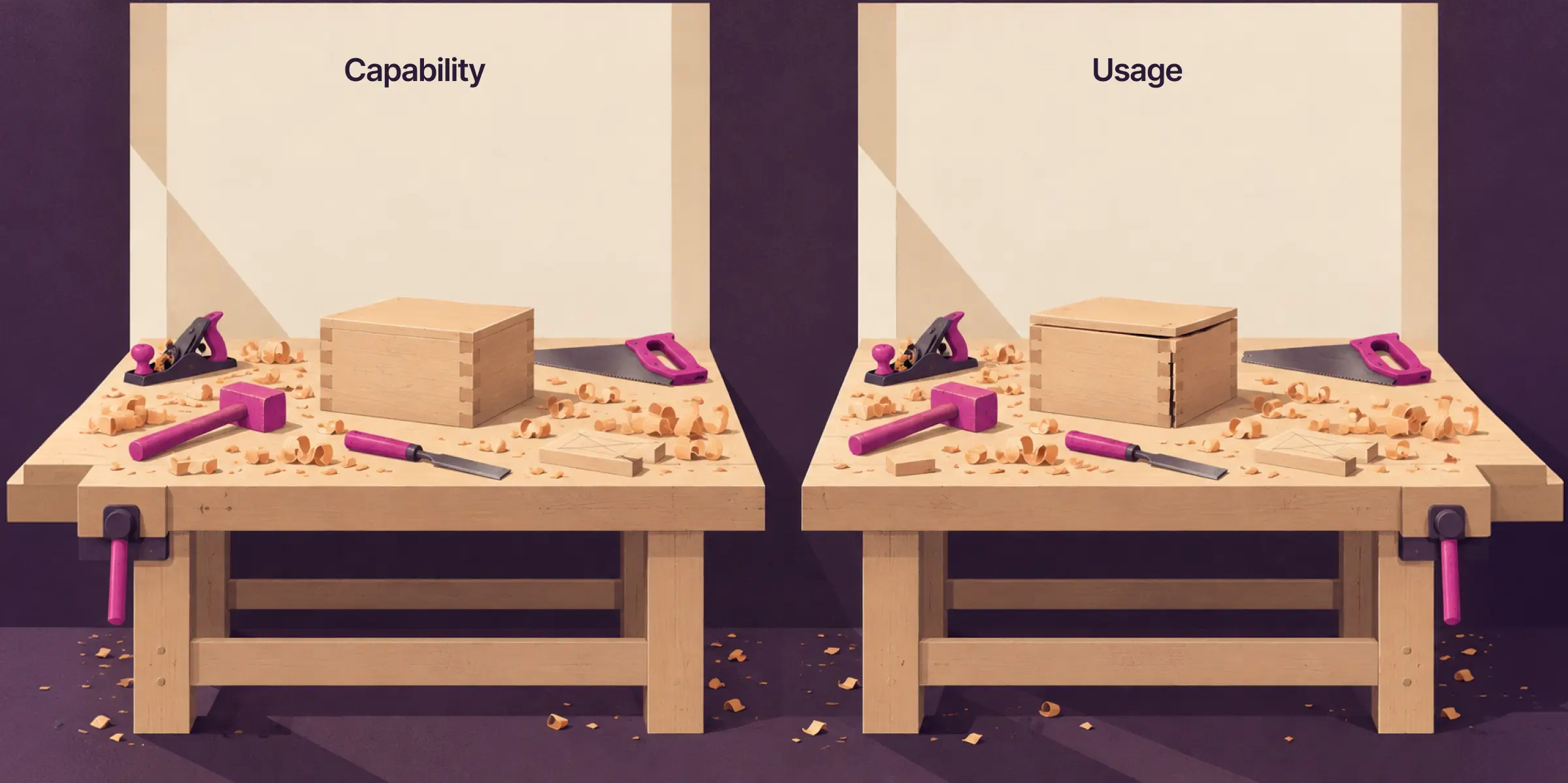
Somewhere in your organization, a platform team picked the stack: a coding agent, an agent framework, a memory layer, an observability tool. Dozens of teams now build with it. Eventually someone asks whether the investment is paying off, and the only evidence available is a usage dashboard and a license count.
Usage shows that people opened the tool. It doesn’t show whether they can deliver with it. So when a project slips, you can’t tell whether the tooling was wrong, the rollout was shallow, or the team wasn’t ready. And the question keeps coming back, because many of the frameworks your teams now work in did not exist when the fiscal year started.
September’s main release addresses that gap: the Signature Catalog now measures skill in specific AI tools. The other three releases remove sources of error from scores you already rely on. They fix unclear reassessment timing, a voice-input failure on newer laptops, and assessments that could start without their program attached.
Measure skill in the specific tools your teams use
Until now, the Signature Catalog measured durable capabilities, meaning applied skill that transfers from one framework or stack to the next. That remains the foundation. What it couldn’t tell you is whether an engineer can deliver in the specific tool your platform team standardized on.
The catalog now includes tool-specific capabilities. The first seven are live:
- Developing with Claude Code
- Claude Agent Skills, Tool Use, and MCP
- Building Multi-Agent Systems with LangGraph
- Building Multi-Agent Systems with CrewAI
- Agent Memory with Mem0
- Agent Observability and Evaluation Tooling
- Quantization Toolkits
More will be added as the tools your teams adopt change.
This is an expansion of the Signature Catalog, not a separate product or purchase. A durable capability and its tool-specific counterpart can sit in the same program for a role. That gives you two reads on the same engineer: whether their applied skill transfers, and whether they can use the tools you picked.
These capabilities are also vendor-independent. They are held to the same standard as the rest of the catalog, and the content is updated as the tools change. As a result, a new assessment reflects the tool as it works today, not the version that existed when a credential was issued.
To find them, open Browse capabilities in program setup and search by name. For more detail, read You Bought the Tools. Now You Can See Who Is Ready to Use Them.
Reassessment timing is now explicit
A growth claim depends on knowing when each measurement happened. The Assessment step of program setup now states the rule up front: reassessments open only after a participant completes their baseline, and you choose when each one becomes available.
The two modes are labeled plainly. Window of time sets when the first reassessment opens after baseline completion. Specific dates gives you one date field per reassessment. A date already in the past opens as soon as the participant finishes the previous assessment.
The minimum wait between reassessments only applies from the second reassessment onward. It is now disabled when the count is set to one, with copy explaining why. Previously the setting stayed editable even though it had no effect, so admins could believe they had configured something they hadn’t.
The functionality itself hasn’t changed. The setup screen now says what it does. Whoever builds the program, whether your own admins or your Workera team during onboarding, configures what they intend and can explain the schedule when asked.
Voice Mode now works on keyboards without a Right Ctrl key
Voice dictation in assessments is push-to-talk: a participant holds a key to record a spoken answer. That key used to be fixed, Right Ctrl on Windows and Linux and Option on macOS. Many newer laptops no longer have a Right Ctrl key, and on many Windows machines the Copilot key now sits where it used to be. Participants without the key couldn’t record, and nothing told them so. No error appeared. Voice input simply didn’t work, and they typed instead.
That is a measurement problem. Voice Mode exists so that participants who explain better than they type are scored on what they know, not on how fast they type. When it fails silently, typing skills creep back into the score. The data then shows a weaker result rather than a hardware problem.
Participants can now choose their own push-to-talk key in Voice and audio settings, next to Speaker and Microphone. The choice is limited to modifier and function keys, so recording can’t collide with typing an answer. The setting is saved to the participant’s profile, requires nothing from admins, and works everywhere voice dictation is enabled. If participants have had trouble with voice input, this Help Center article walks through the fix.
Every assessment now starts with the right program attached
One capability can belong to several programs, each with its own target and settings. The participant homepage showed a single generic button per capability, so it didn’t indicate which program a participant was working toward. As a result, an assessment could start without its program attached and run under default settings instead of the program’s configuration.
Each capability row now has a View button. It opens the participant’s current score and every program that capability belongs to, along with each program’s target and the participant’s status: points remaining, Take baseline, or Met target. Choosing a program starts the assessment with that program’s configuration. The Skill snapshot opens the same panel, so strongest and weakest capabilities behave consistently.
This matters most for participants in several programs where the same capability has a different target in each.
What this means for you
A tool license tells you what people can access. These releases are about knowing what they can do with it. You can now measure skill in the tools your teams use alongside the skill that outlasts them, scored under the conditions you set. That is a number you can defend. Whether the question is where your people stand before an AI-first rollout, or whether the last program changed what they can do, the answer is now measured rather than inferred.
To see these changes in your programs, talk to your Workera team or book a demo.
Category
Product updates


Trending Updates

Blog
L&D Doesn't Need a "Seat at the Table." It Needs Real-Time Capability Intelligence.

Blog
AI Disclosure in Talent Assessment: What Article 50 Requires Now, and What’s Coming in 2027

Blog
The Board Isn’t Asking If Your People Use AI. It’s Asking If They Can Do the Work.